Frequently Asked Questions - Inmarsat Satellite Phones
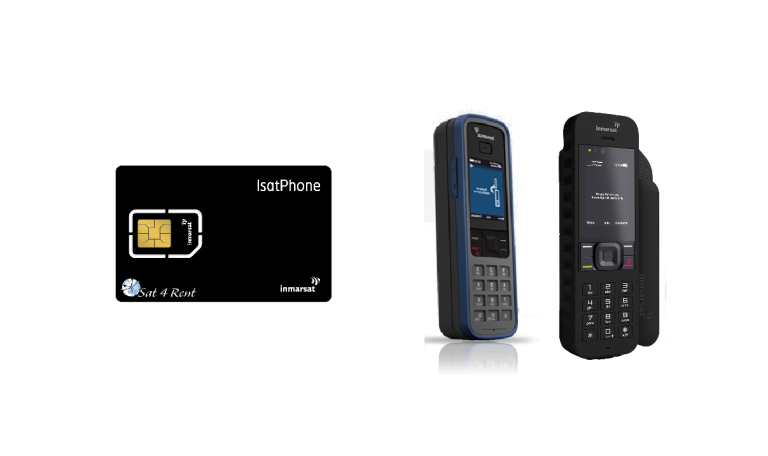
How do I test my satellite phone?
- - Go outside. Ensure you have an unobstructed clear view of the sky and horizon.
- - Open the Arial and turn on your phone, ensuring the device has charge.
- - Wait for network signal. For a successful connection, check for a green LED indicator that signifies network connectivity.
- - Dial the test number: +870 776 999 999.
- - If the phone is working correctly, you will hear a recorded confirmation message.
Note: These test calls are free and work for all Inmarsat satellite phones. Your device must be active with a prepaid or postpaid plan.
How can I see my balance?
- Register the unit on the network
- Menu
- Settings
- Prepay
- Balance Enquiry
How do I see my current Firmware Version?
- - Select "Menu."
- - Go to Settings.
- - Scroll down through the settings until you see an "About"
- - Firmware Version.
To confirm your satellite phone has the latest firmware, see our other blog posts. We will update the sections as soon as new versions become available
Should you need assistance with upgrades please get in touch with one of our team members
Nerine@sat4rent.co.za - Cape Town
Linda@sat4rent.co.za - Johannesburg
rentals@sat4rent.co.za - Johannesburg